Page LayoutsPick a look for every page, no Theme Builder needed
Divi Events Extended draws its own event, venue and organizer pages, the events page, and the lists of venues, organizers and series. Choose how each one looks under Divi Extended → Divi Events Extended → Display → Page Layouts. Every screenshot below is this demo site with that one setting changed. Click any screenshot to see the whole page.
Single Event · Events Archive · Single Venue · Single Organizer · Venue and Series Lists
Single Event
The page for one event. Setting: Display → Page Layouts → Event page. See the live page
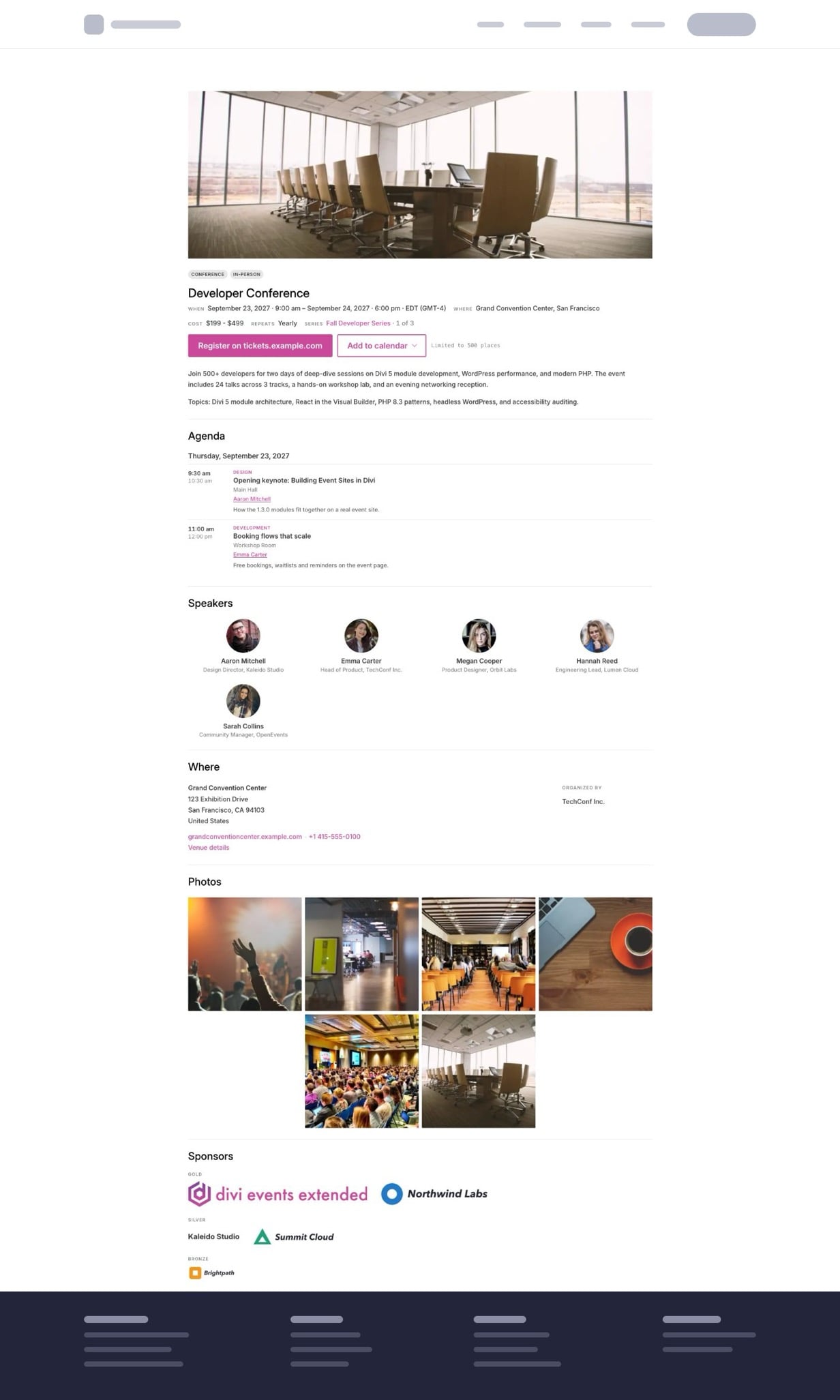
Banner Live
The event image runs across the top, with the details and buttons under it.
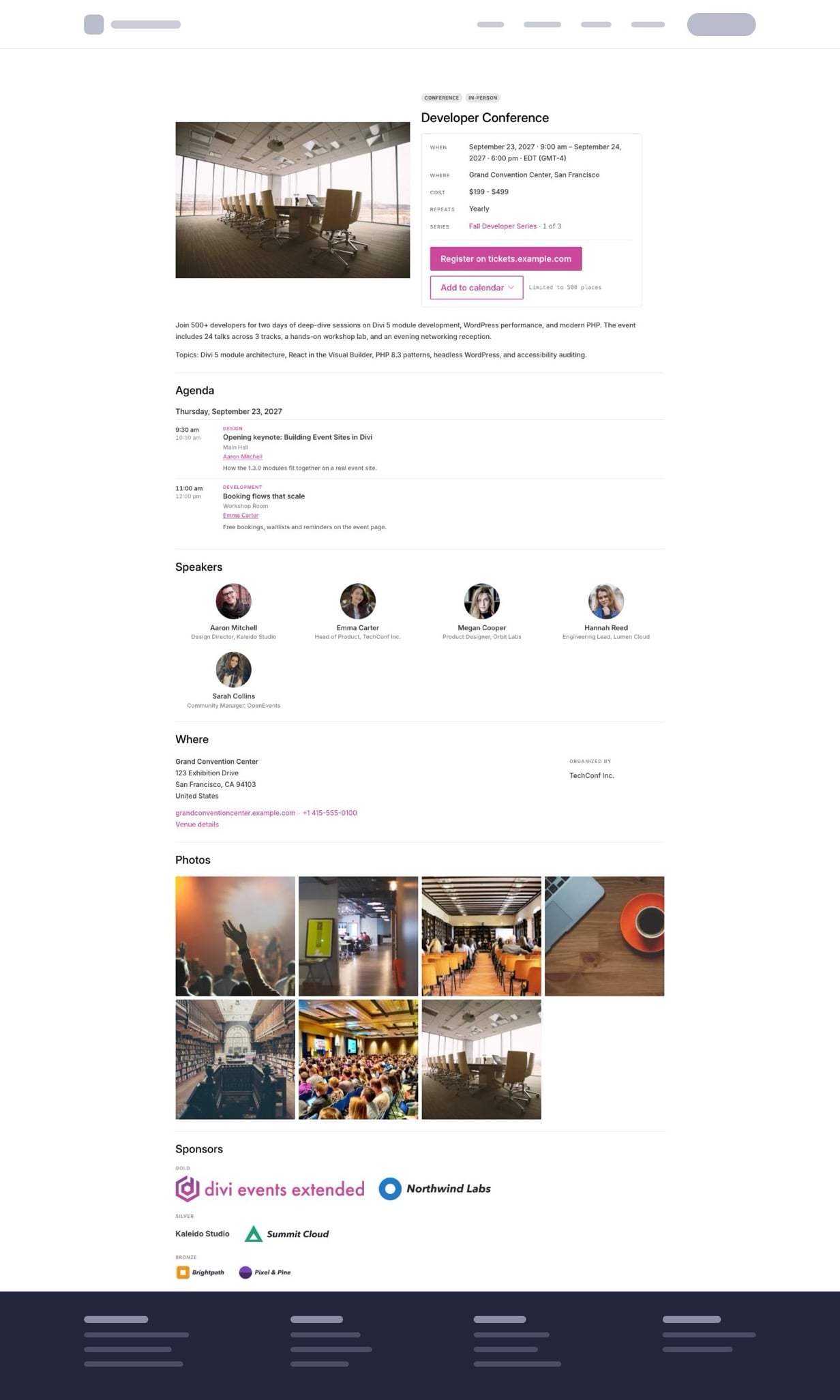
Split
The image sits beside the details, so the date, place, price and Register button are all above the fold.
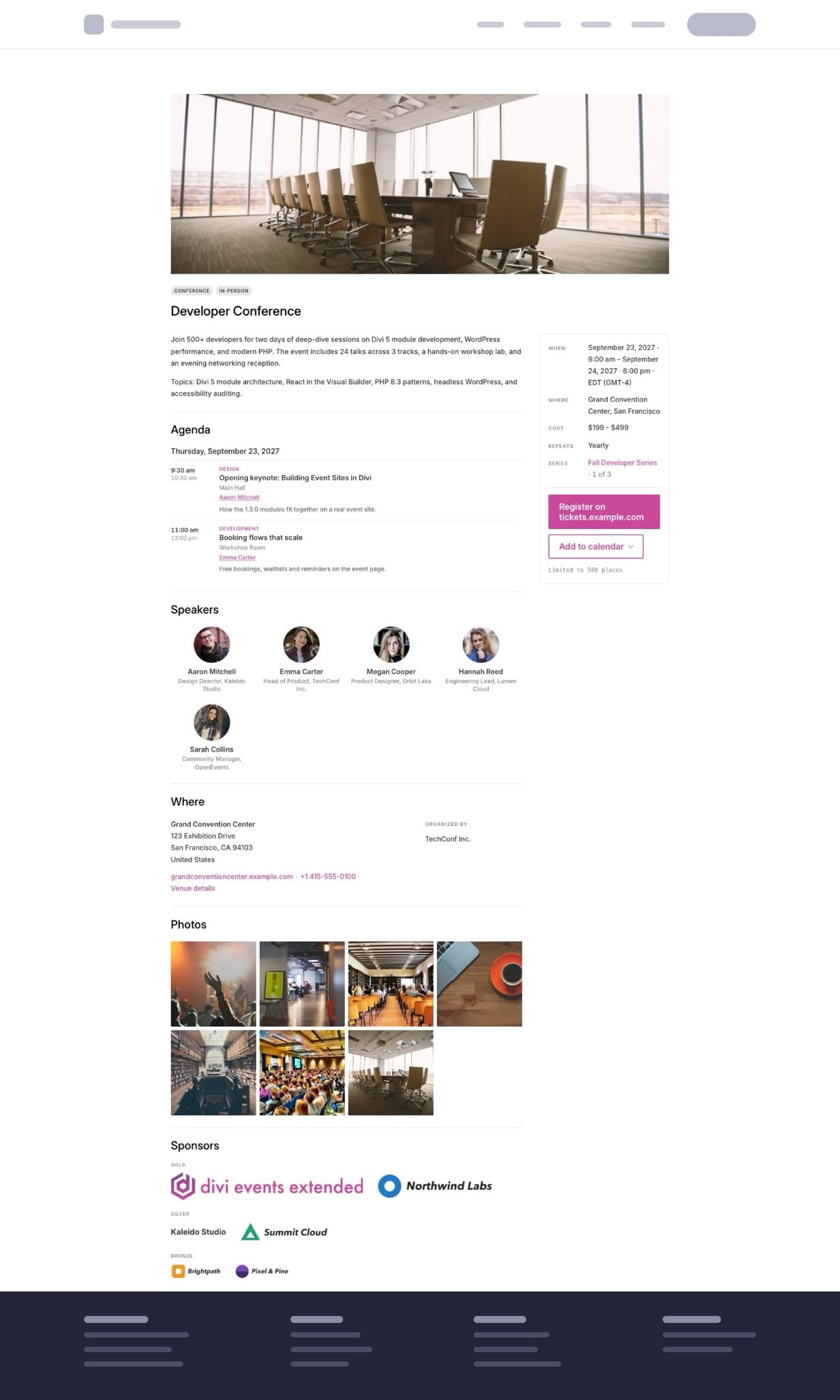
Rail
The details stay in a side rail while the description is read, on a page wide enough for both.
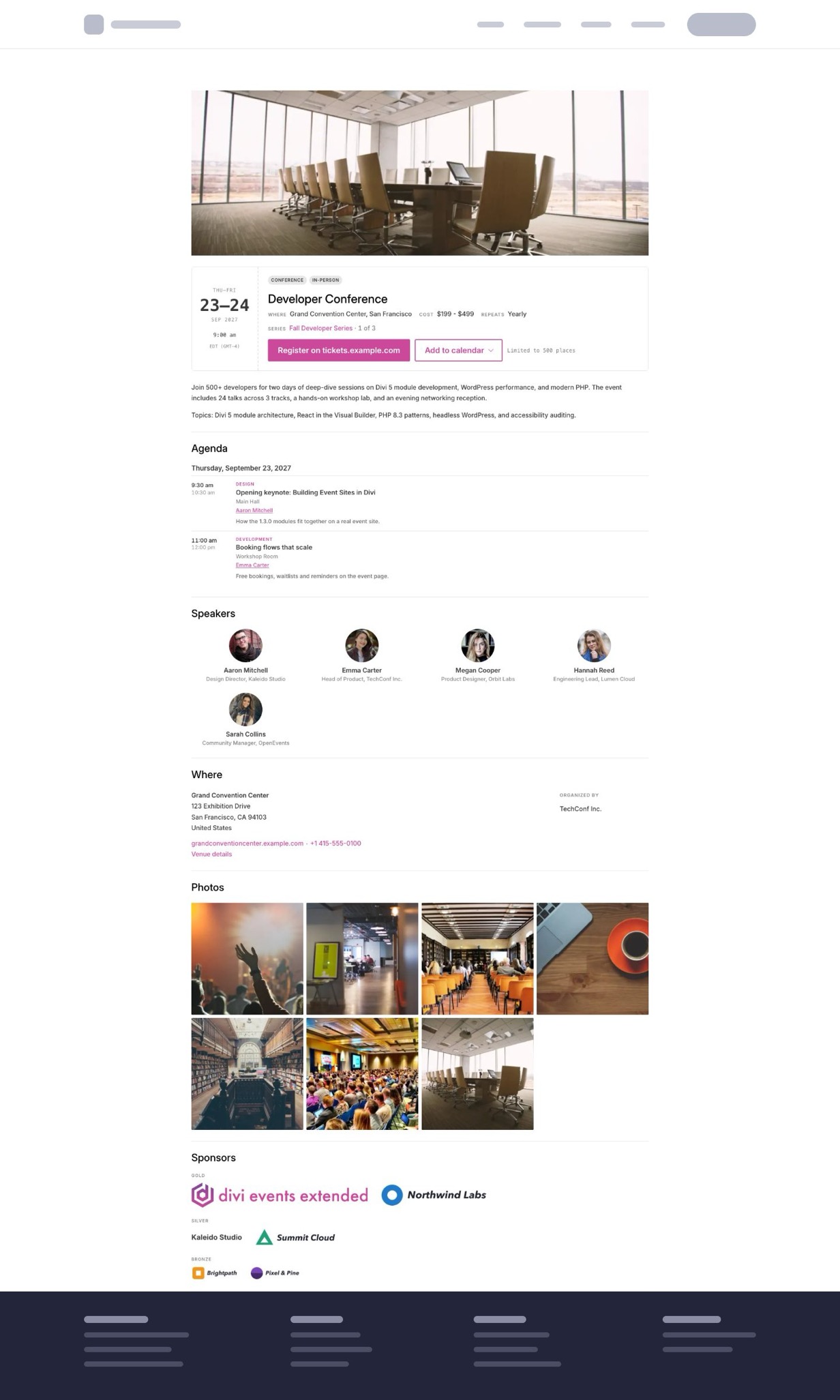
Ticket
The date comes first, styled like a ticket stub, for events where when matters most.
Events Archive
The events page. Category, tag and type pages follow the grid and the agenda. Setting: Display → Page Layouts → Event archive. See the live page
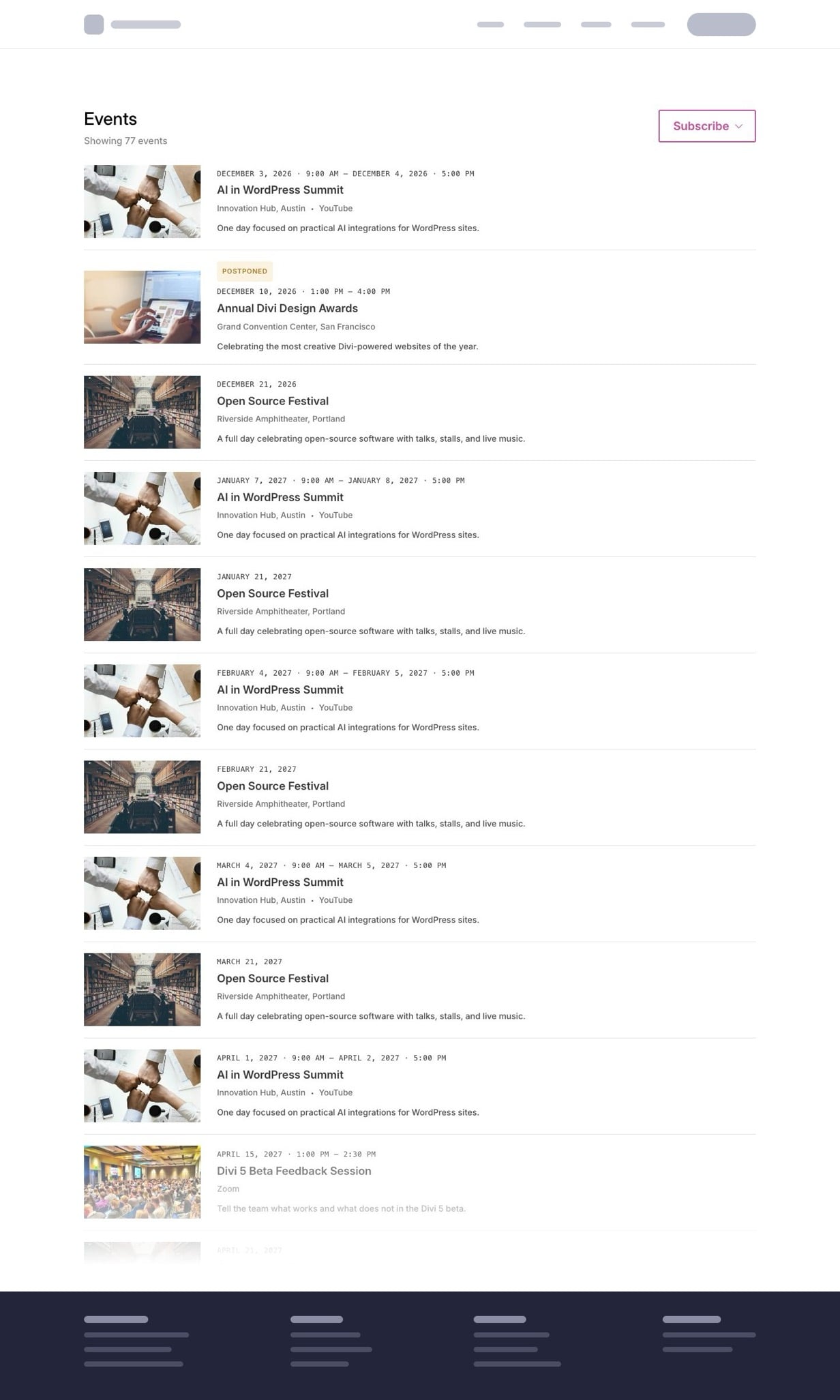
List Live
Every event on its own line with the date, venue and a short description.
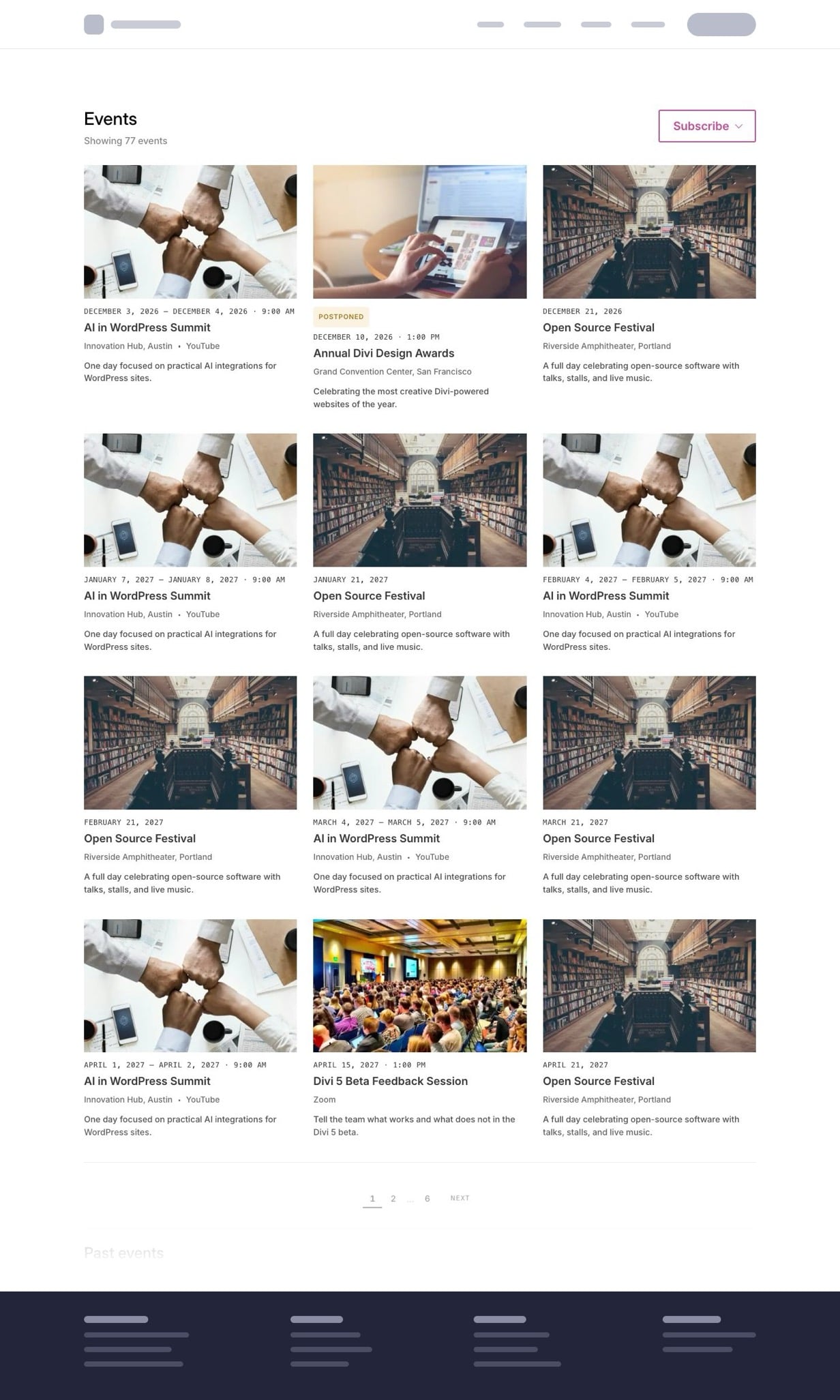
Grid of Cards
Events as image cards in a grid, the most visual choice.
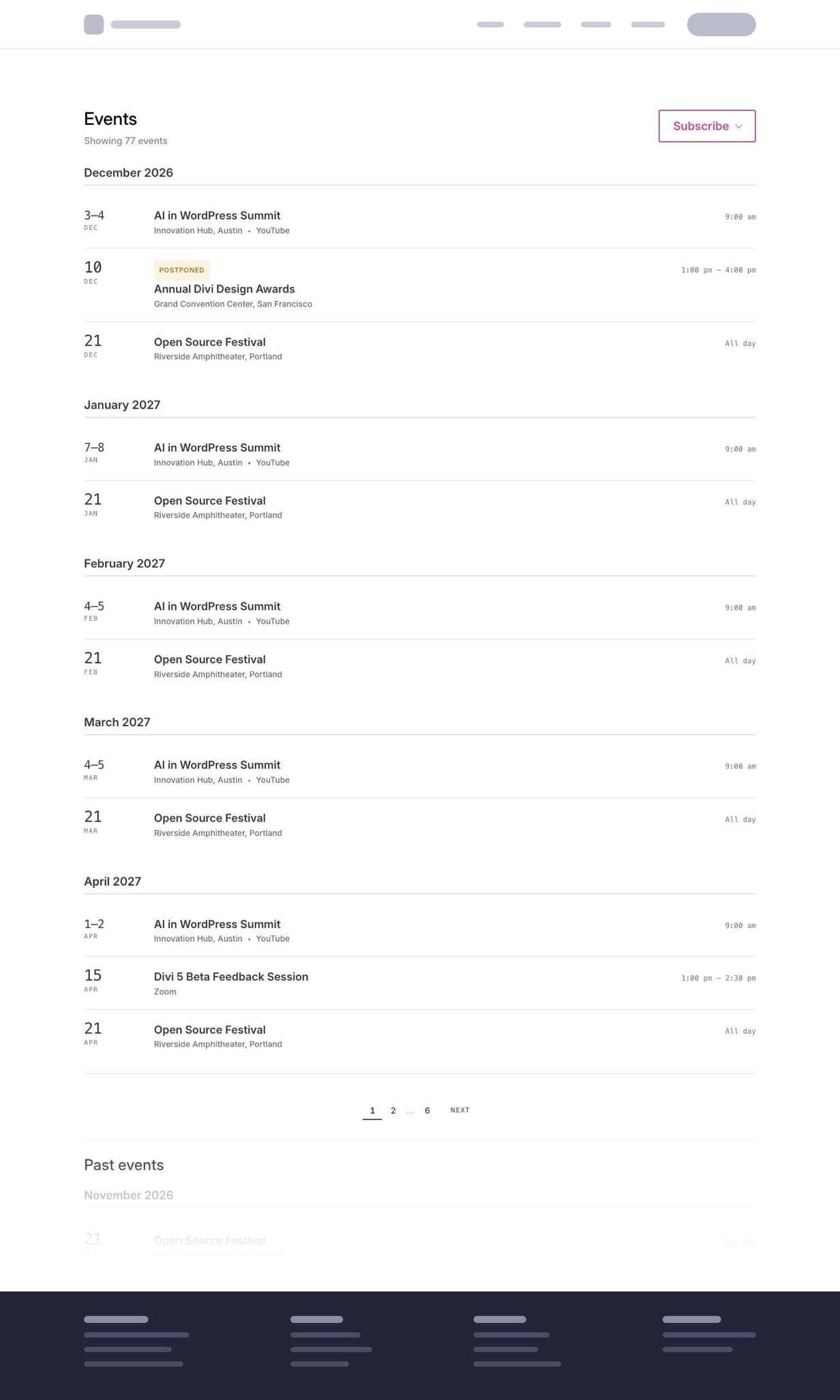
Agenda
Events grouped by month, compact and easy to scan.
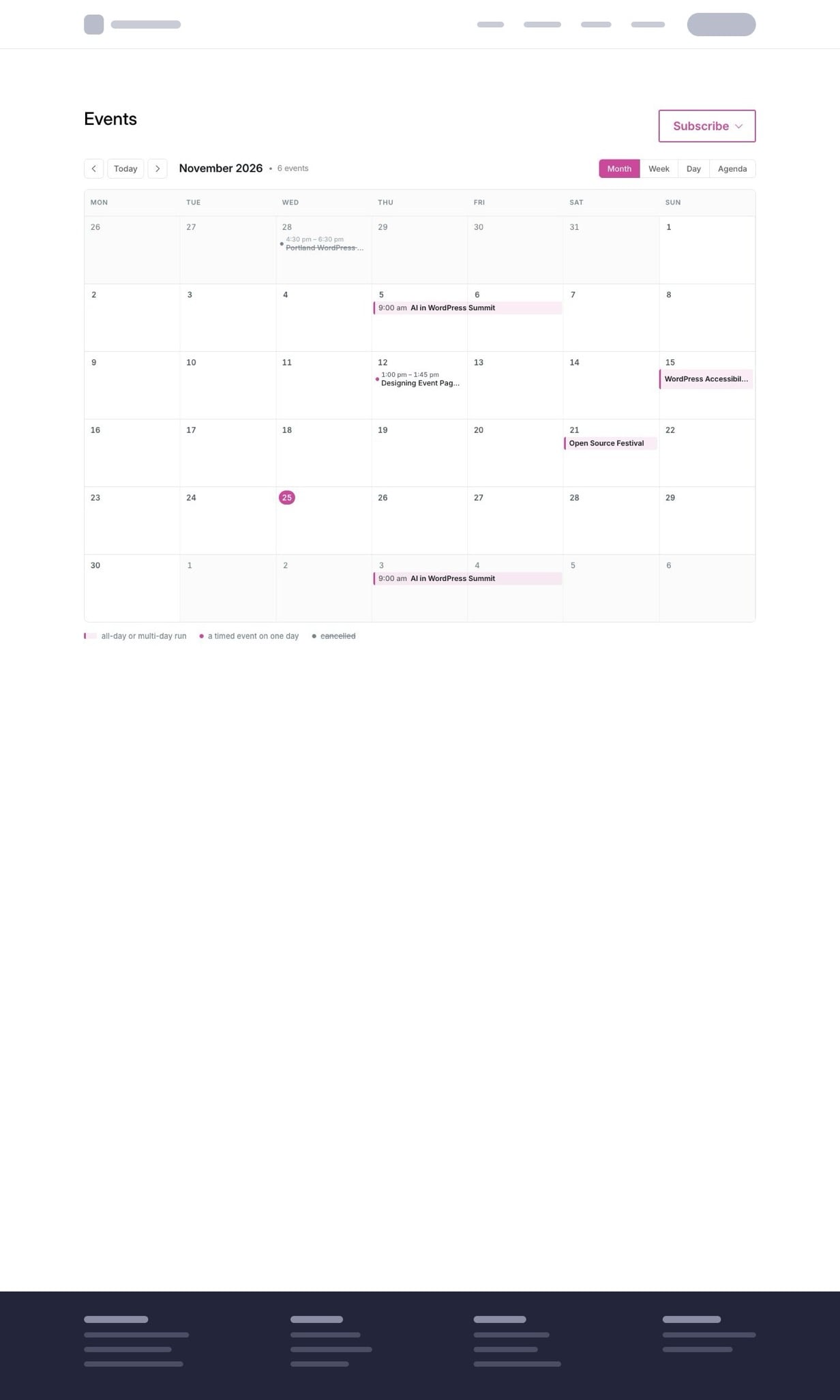
Month Calendar
A month calendar, with the list of events under it.
Single Venue
The page for one venue. Setting: Display → Page Layouts → Venue page. See the live page
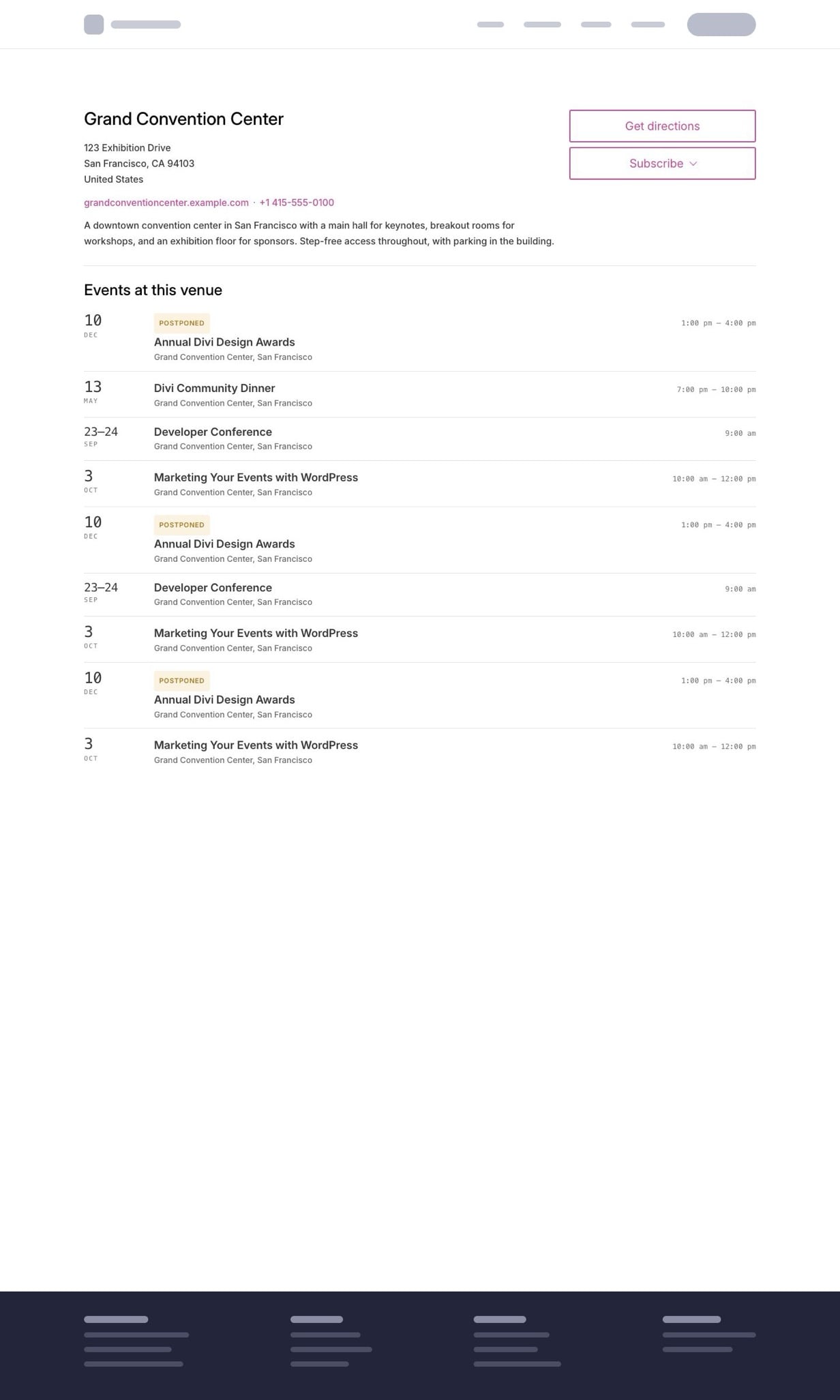
Band
The address and contact details run across the top, with the events under them.
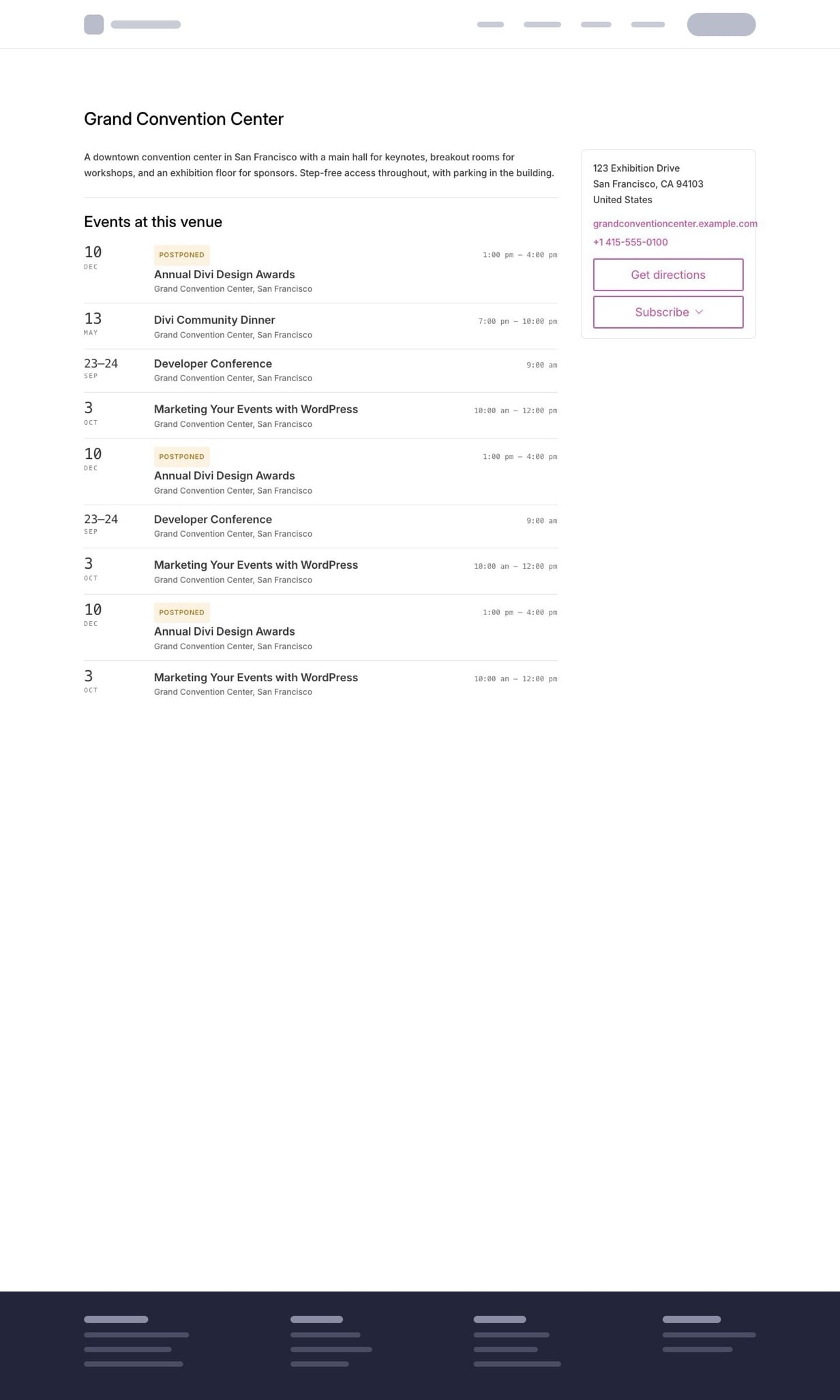
Aside
The address sits in a card beside the list of events.
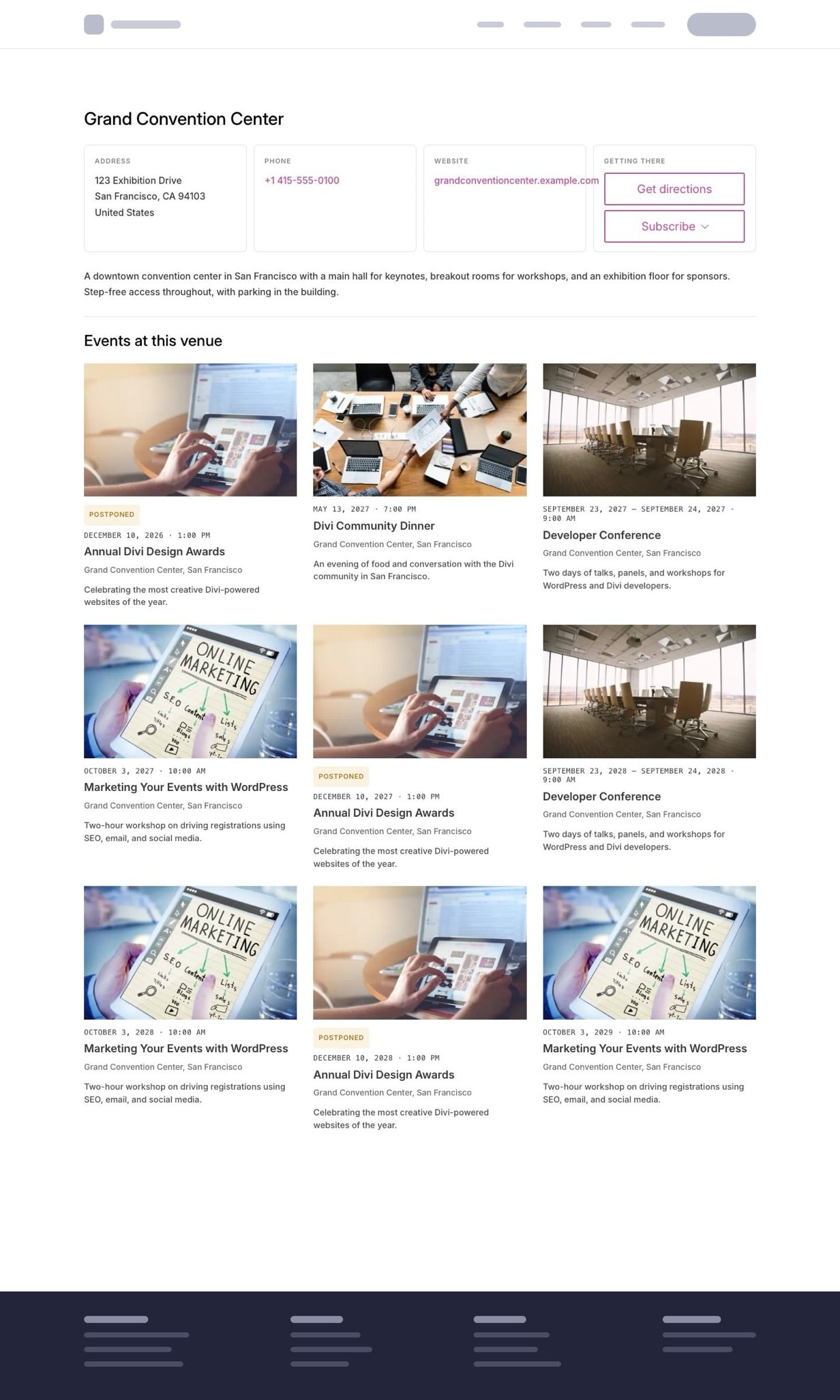
Strip
The details sit in a row of boxes, with the events as cards.
Single Organizer
The page for one organizer. Setting: Display → Page Layouts → Organizer page. See the live page
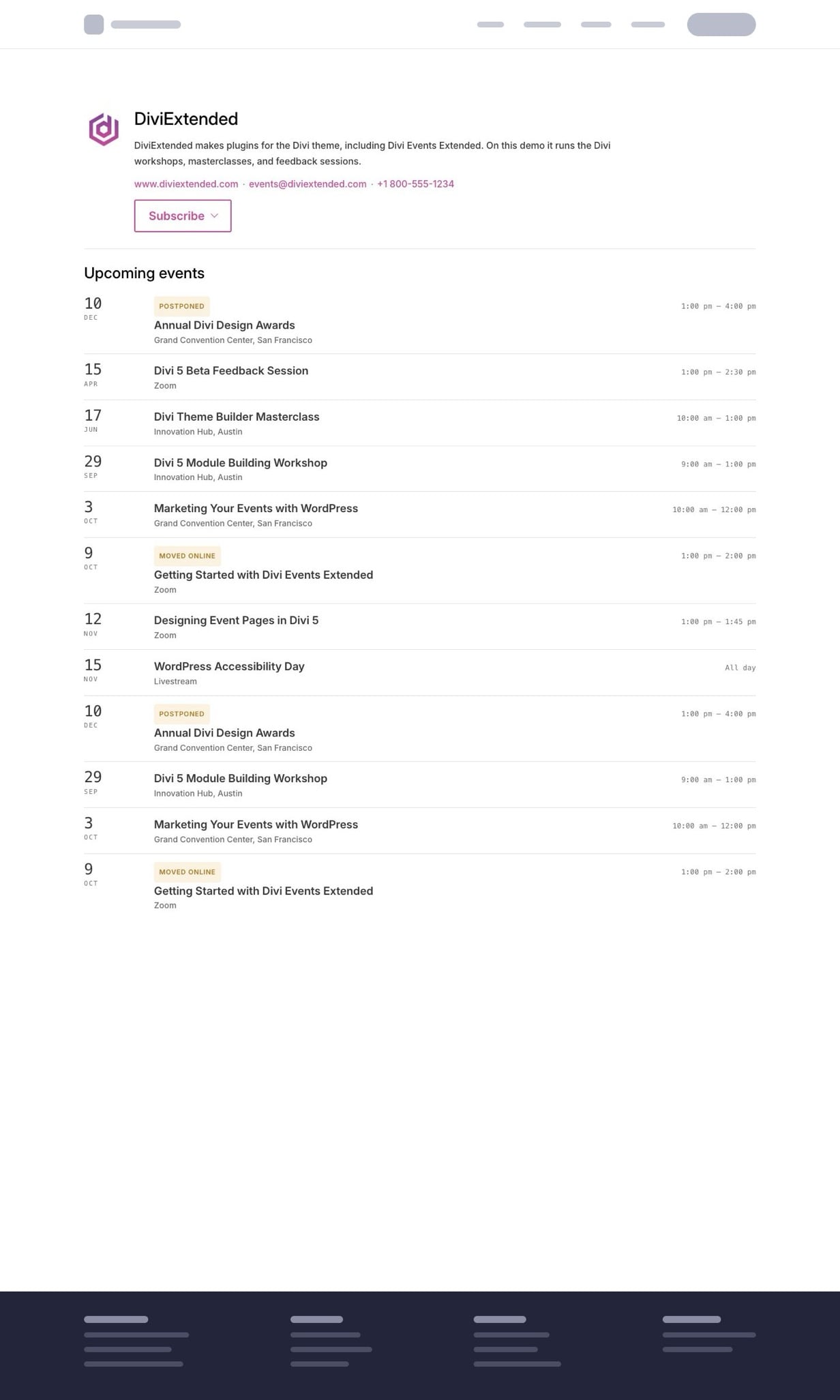
Logo Live
The organizer's logo beside the name, with the contact details and the events under them.
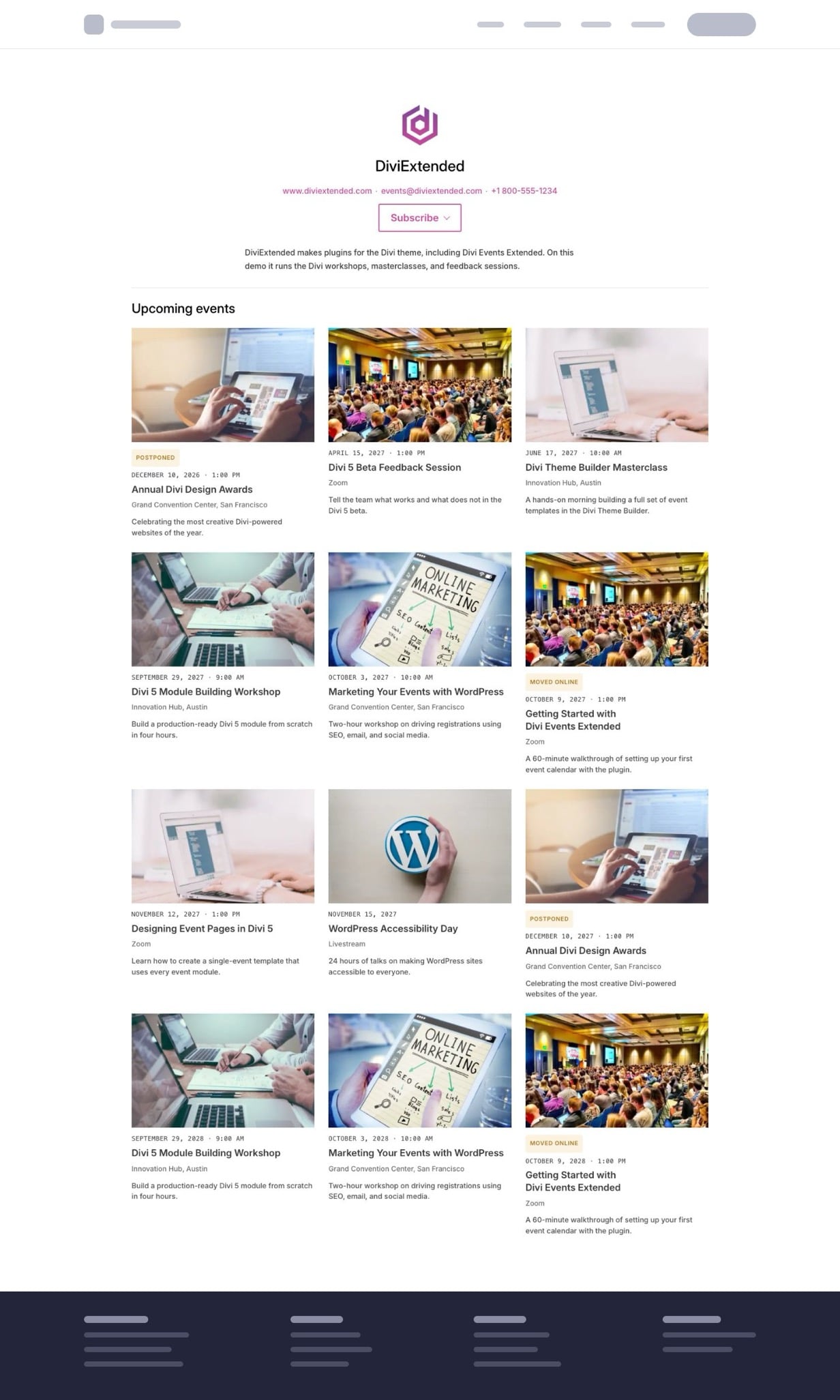
Profile
Centred, with the events as cards.
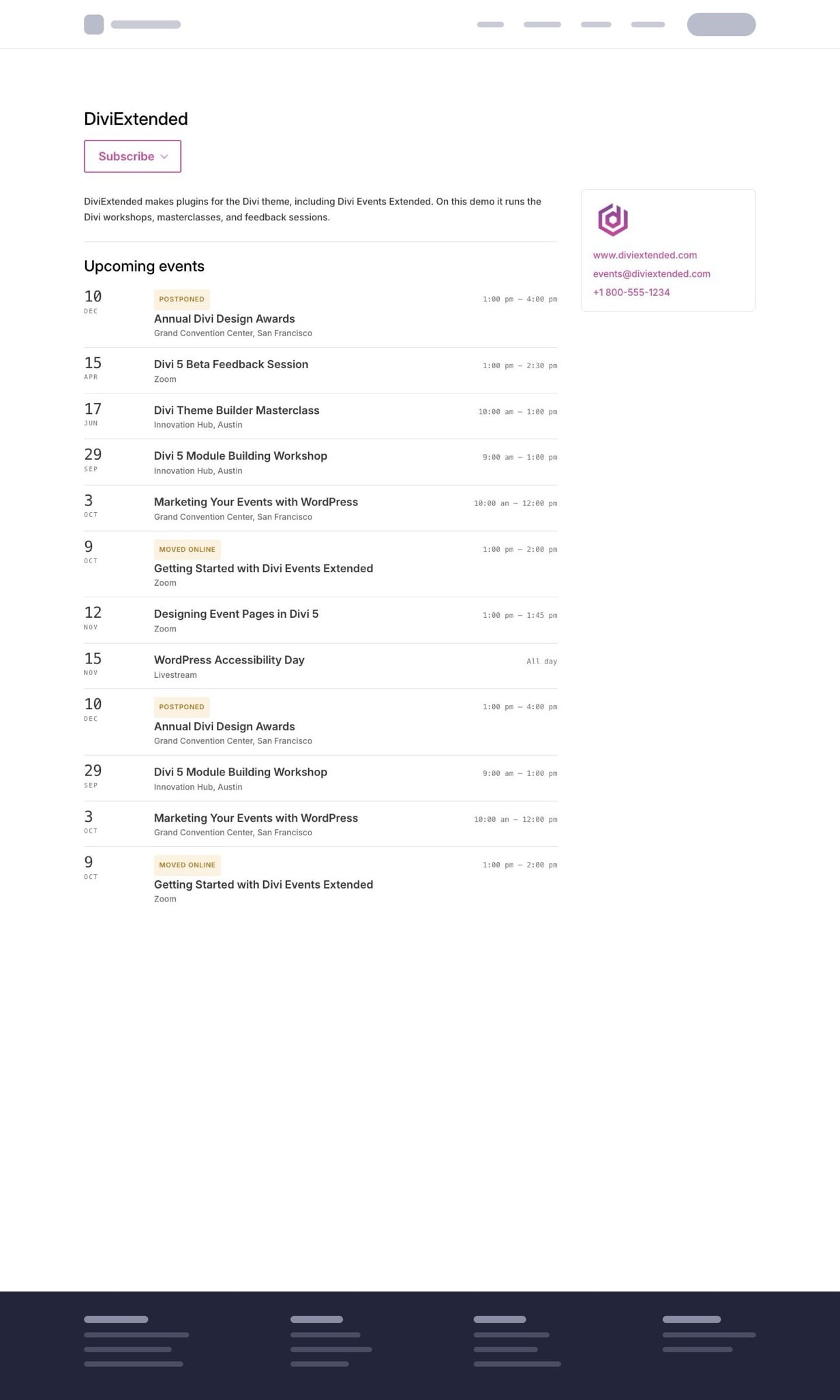
Contact
The contact details sit in a card beside the events.
Venue and Series Lists
The list of every venue and every series. Setting: Display → Page Layouts → Venue, organizer and series lists. See the live page
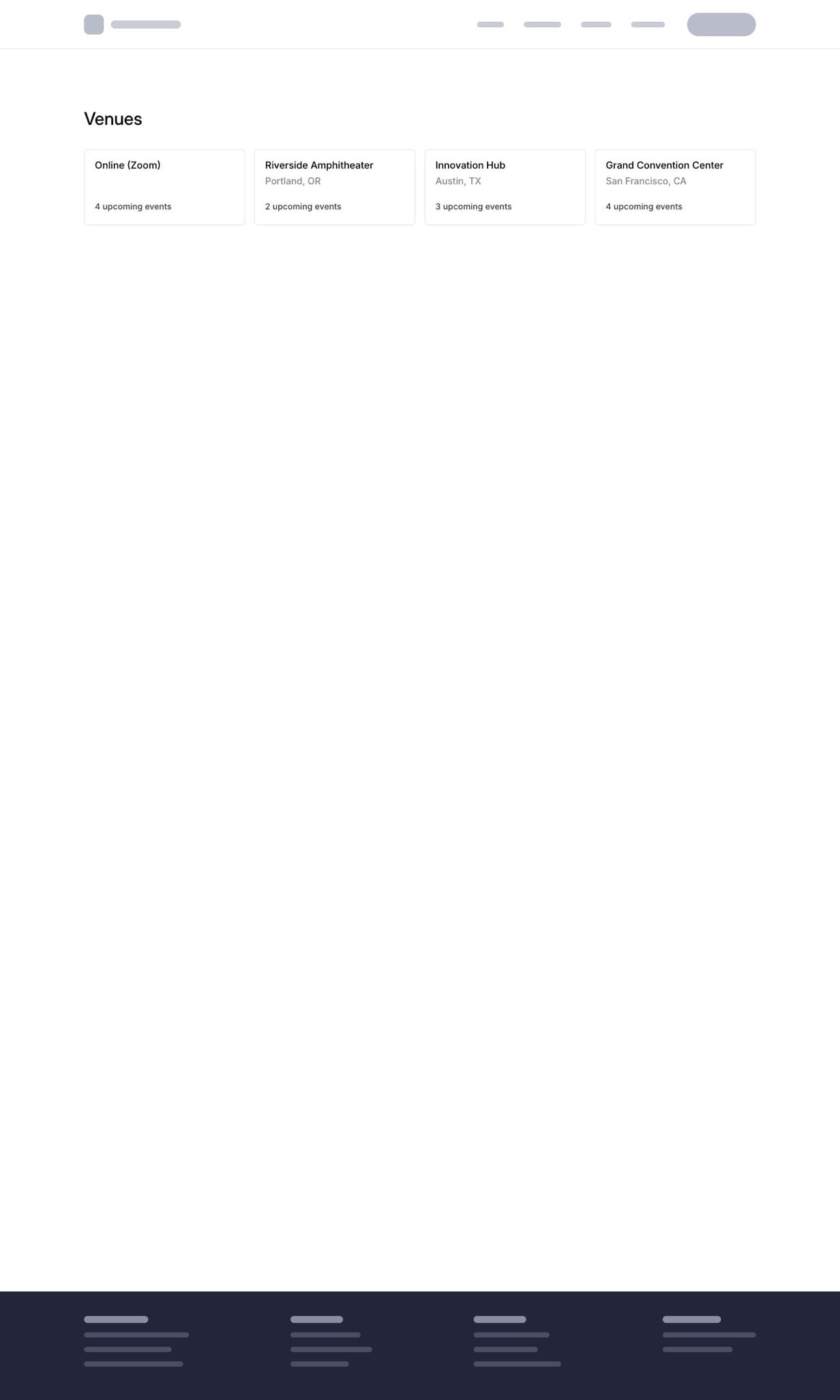
Cards: Venues Live
Each venue as a card with its city and the number of upcoming events.
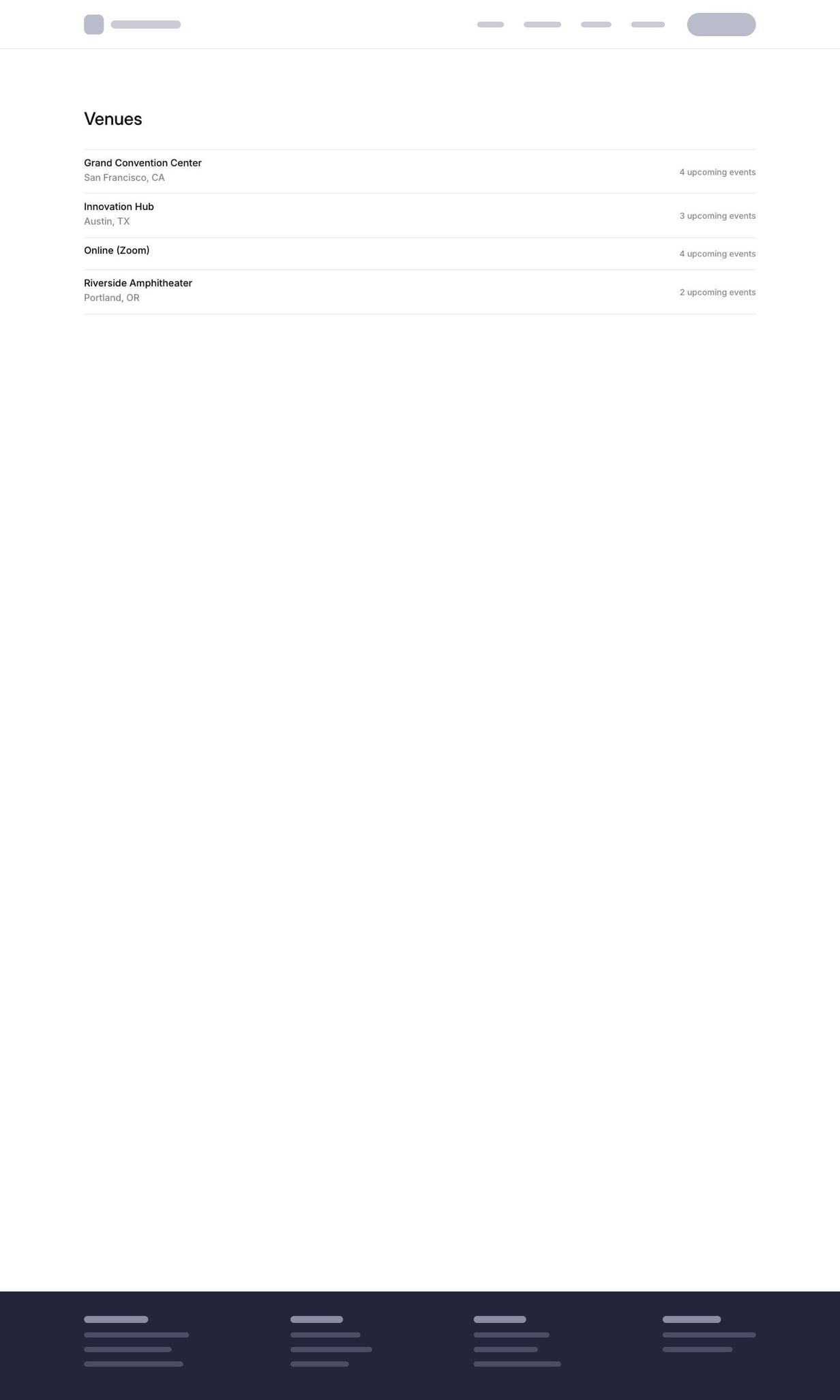
Rows: Venues
One line per venue, for a site with many venues.
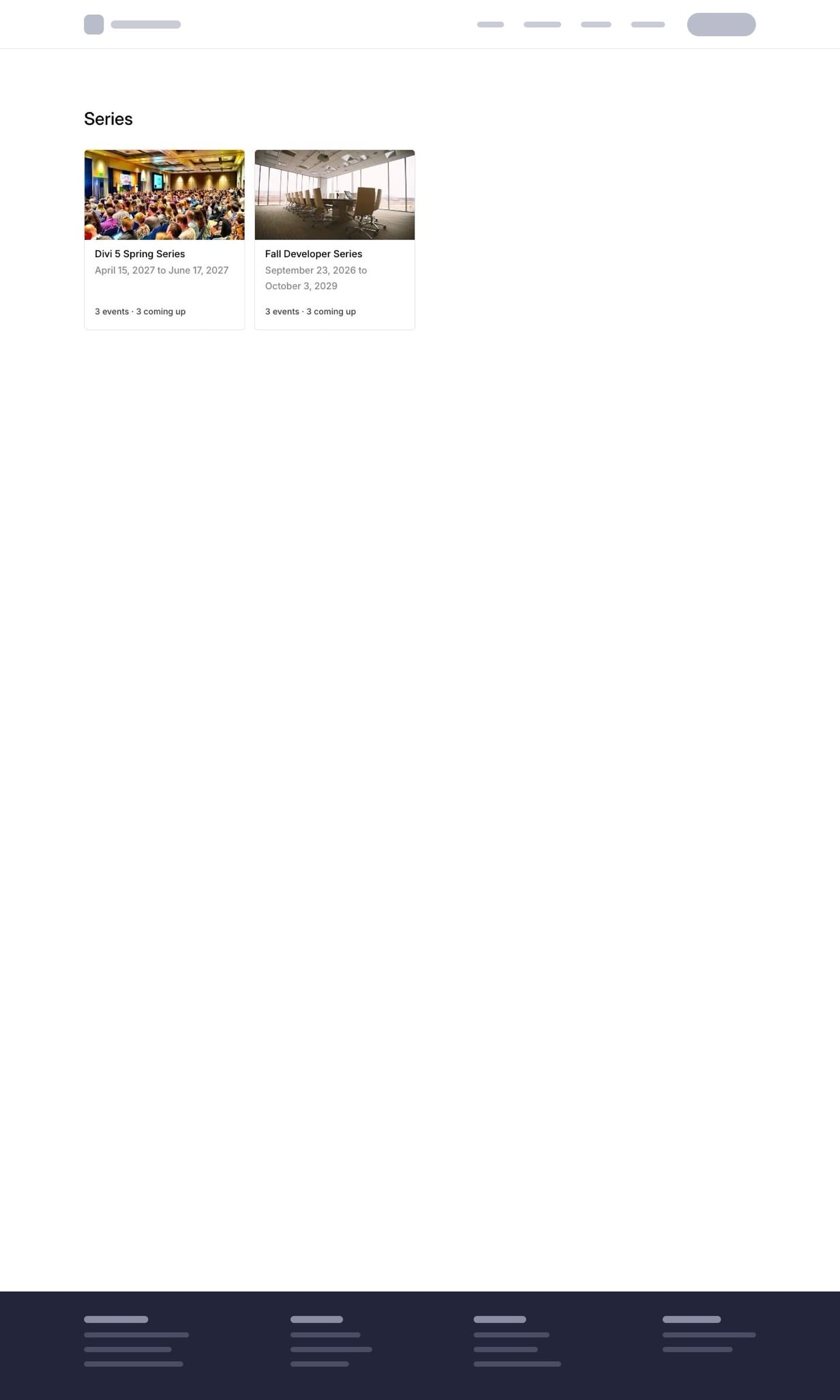
Cards: Series Live
Each series as a card with its picture, dates and number of events.
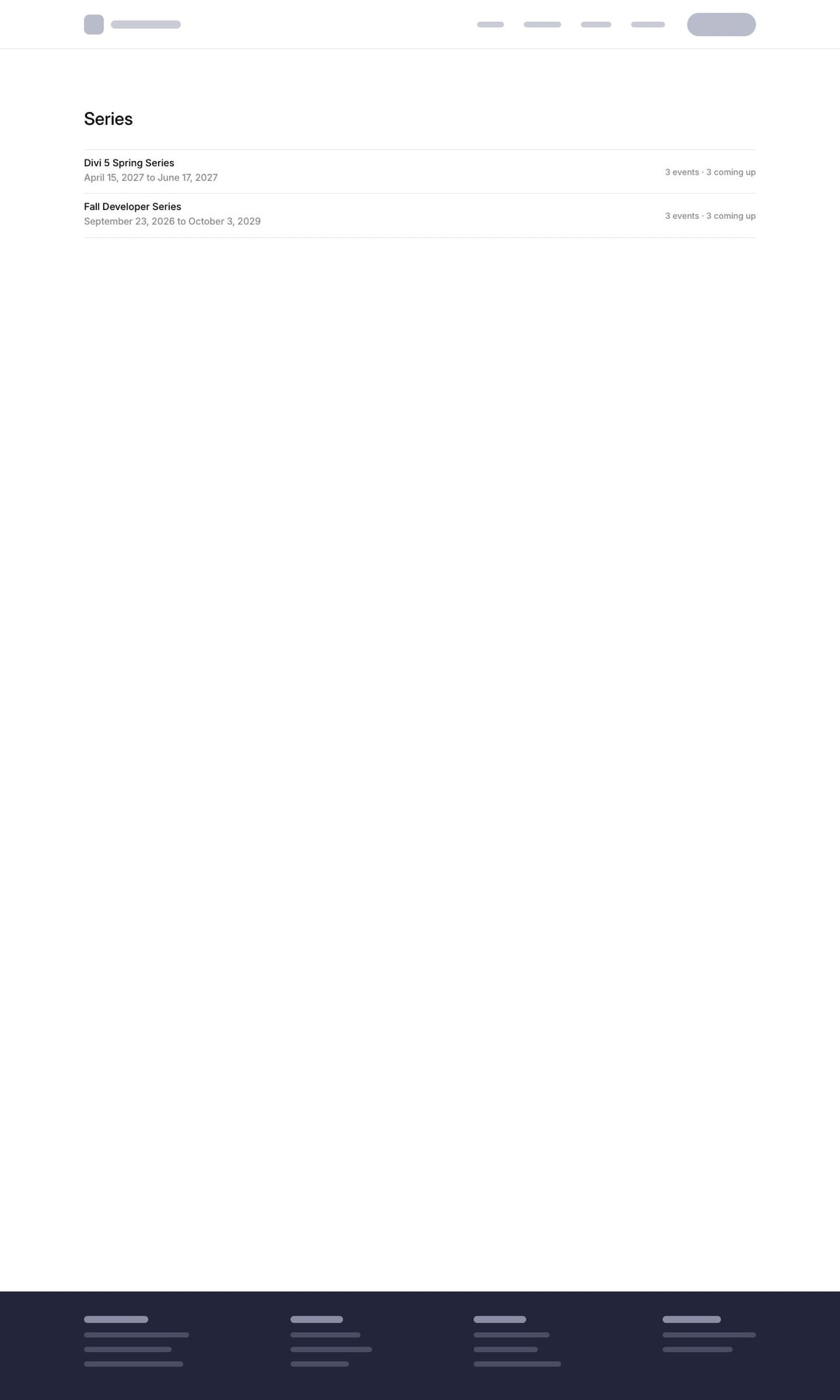
Rows: Series
One line per series, without the picture.
Your own design takes over
A Divi Theme Builder template, or a template in your child theme, replaces the layout chosen here. To start a Theme Builder design from ready-made templates, use Events → Starter Layouts, which builds a template for each page you tick from the plugin's modules, with a choice of designs.